




How to Watch Netflix on Projector?
Using a projector to see Netflix on a large screen may be a surprising way to watch your favorite TV series and films. How to watch Netflix on projector? This is not a challenging task. Read this tutorial if you're seeking a quick and easy way to stream Netflix on your projector.
How to Watch Netflix on a Projector?
In this part, we'll review four general ways for most projectors, to utilize HDMI cables, streaming devices, laptops, and smartphones. If you find that these methods do not work for your device, you need to seek the buyer's help and follow the specific guidelines.
Method 1. Buy a Projector with Built-in Netflix
Buying a smart projector with built-in Certified Netflix is the easiest and fastest way to watch Netflix video content and project it on the screen. You can find the Netflix App in the integrated TV system and open it directly.
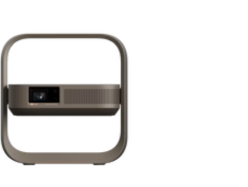
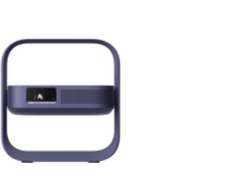
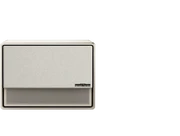
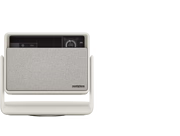
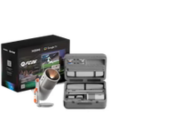
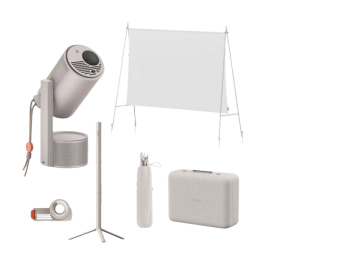
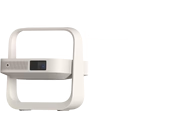
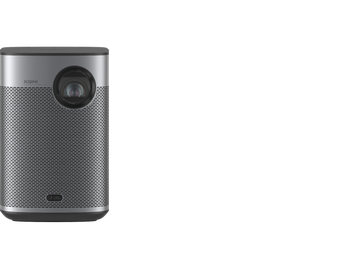
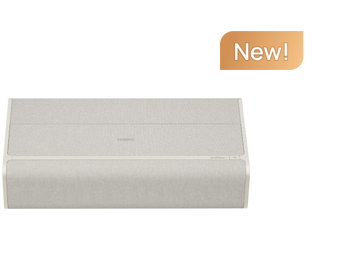
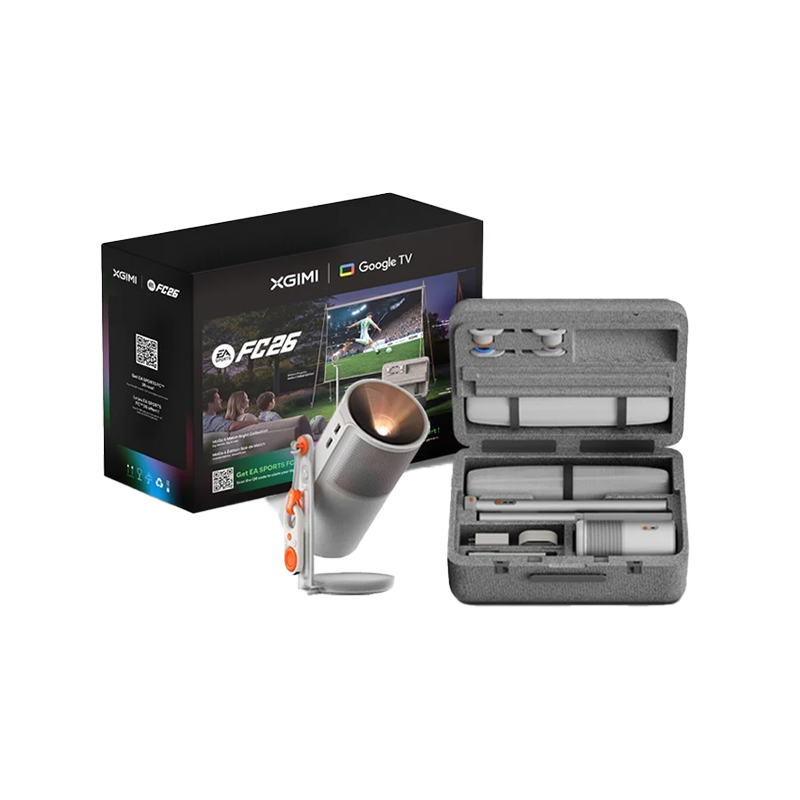
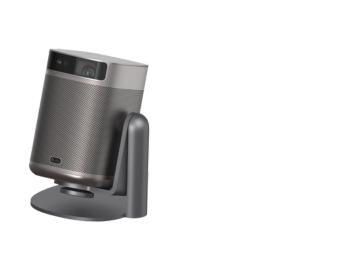
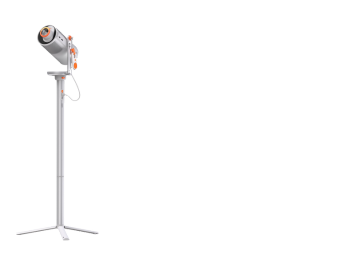
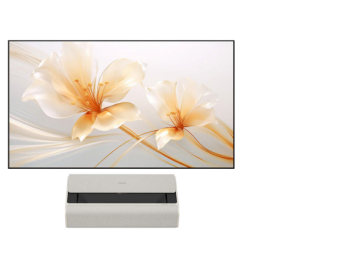
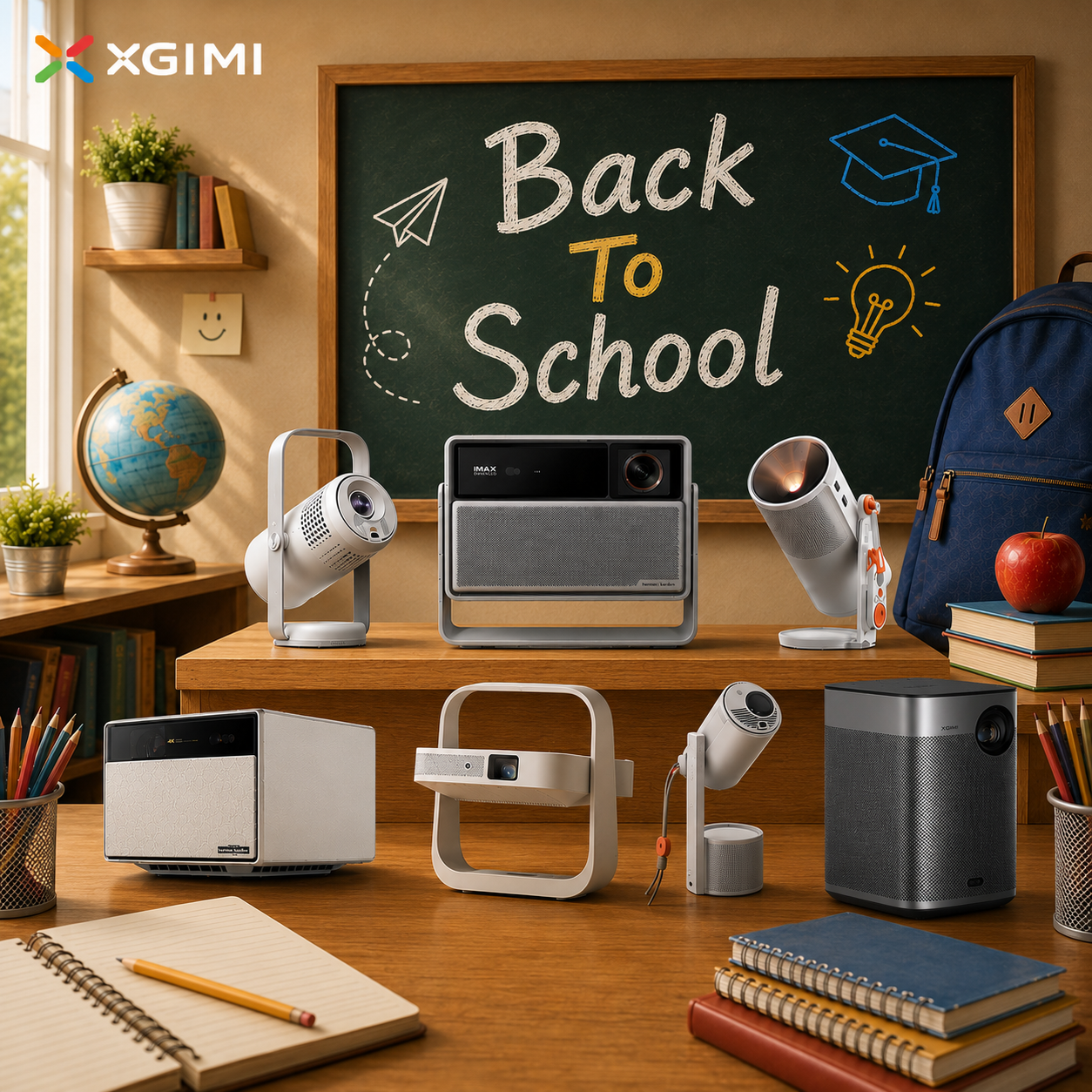
Netflix-compatible projectors come with built-in applications, which are typically among the pre-installed possibilities. This implies that you may start streaming your preferred Netflix series and films with no extra sticks or streaming devices. For example, XGIMI 2024 new release projectors MoGo 3 Pro, Elfin Flip, and Halo+ (New) are designed to have licensed Netflix, with no clunky connections needed.


